All of them, in one app.
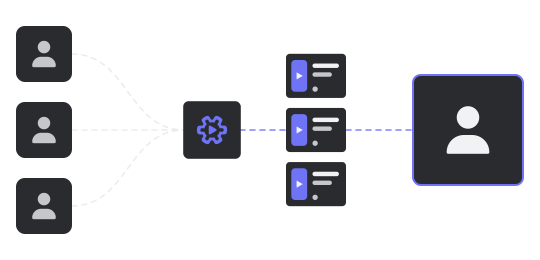
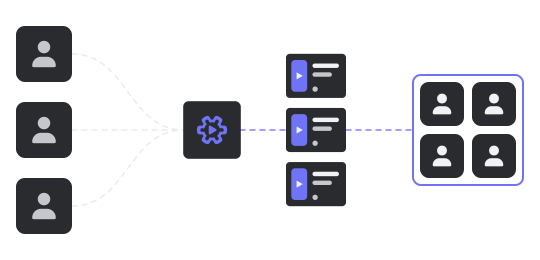
Every tool you need to run your agency is another subscription, another app to glue with automations that break, and another app for your clients to sign up for. ContentWorkflow is all of them, unified.
Manage clients, projects and your team
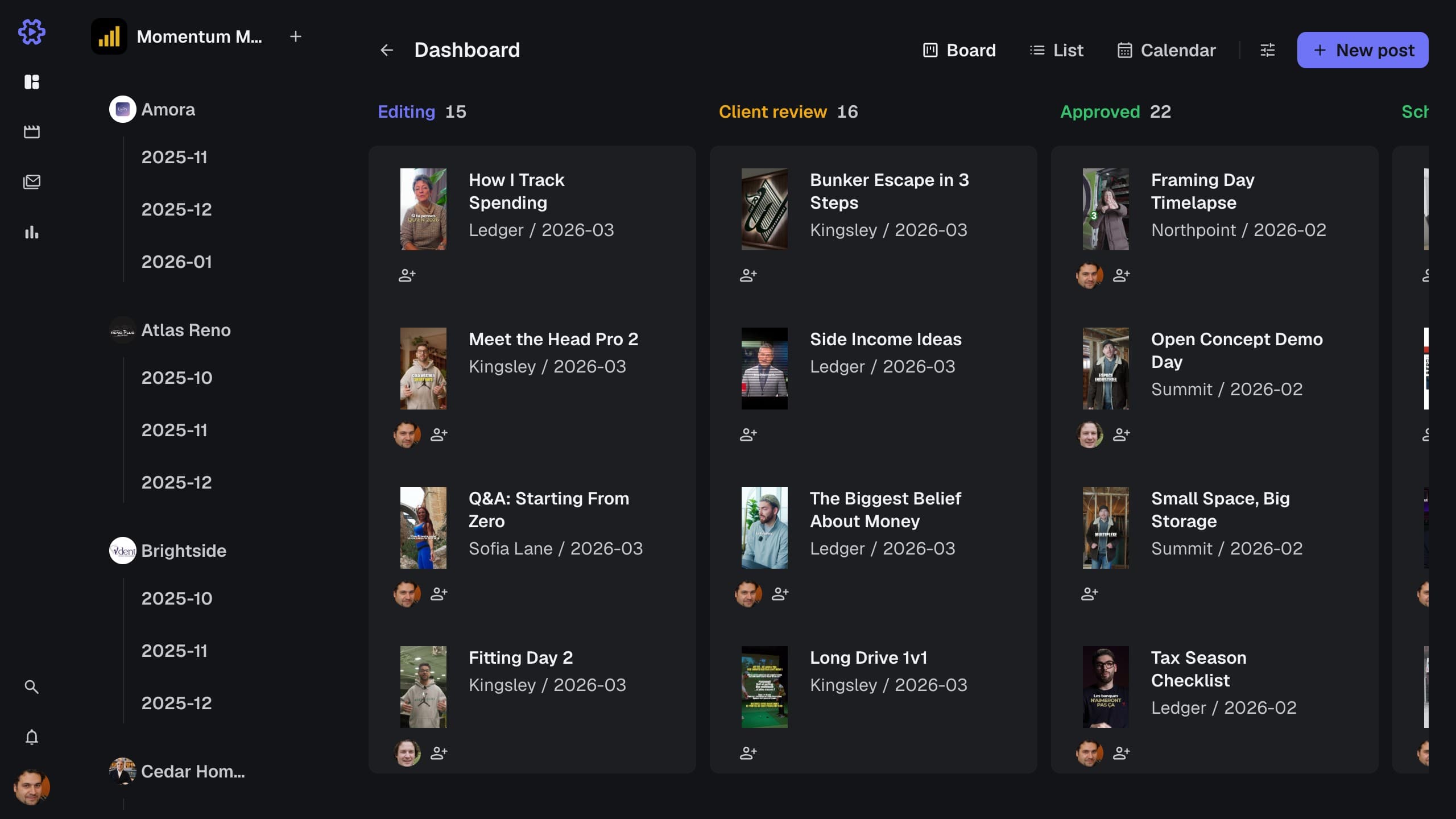
Every video and static moves through stages, organized by client and project. You always know where content stands and who is working on what.
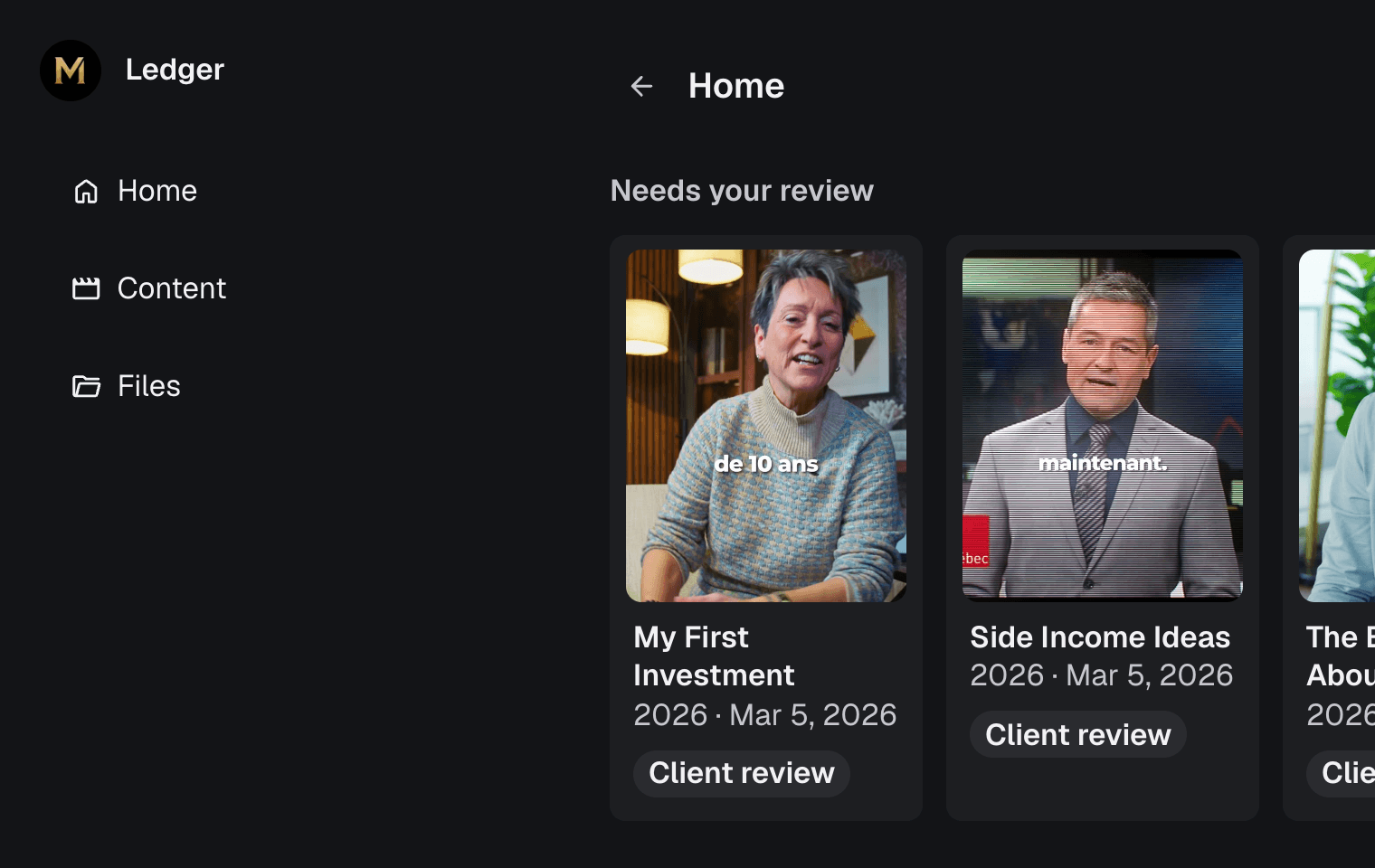
See workflowsInternal & client content review
Every media has a review space where your team and clients leave timestamped comments. Comments are resolvable to track edit status, and version history shows what changed.
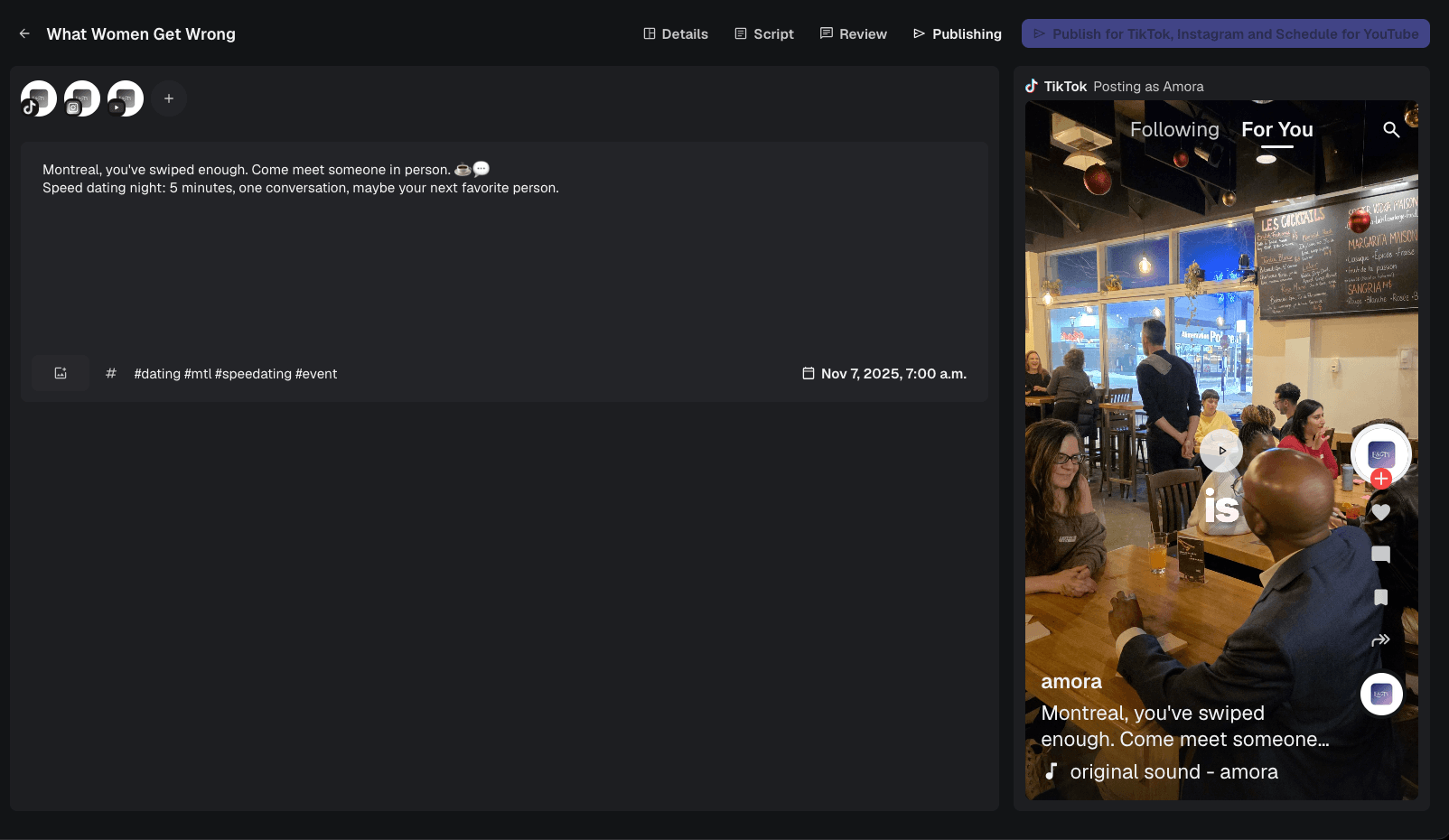
See media reviewContent calendar & auto-publishing
Plan every post for your clients on TikTok, Instagram and YouTube. Schedule approved content, set a global caption and hashtags, or set them per platform.
See the content calendar... and so much more!
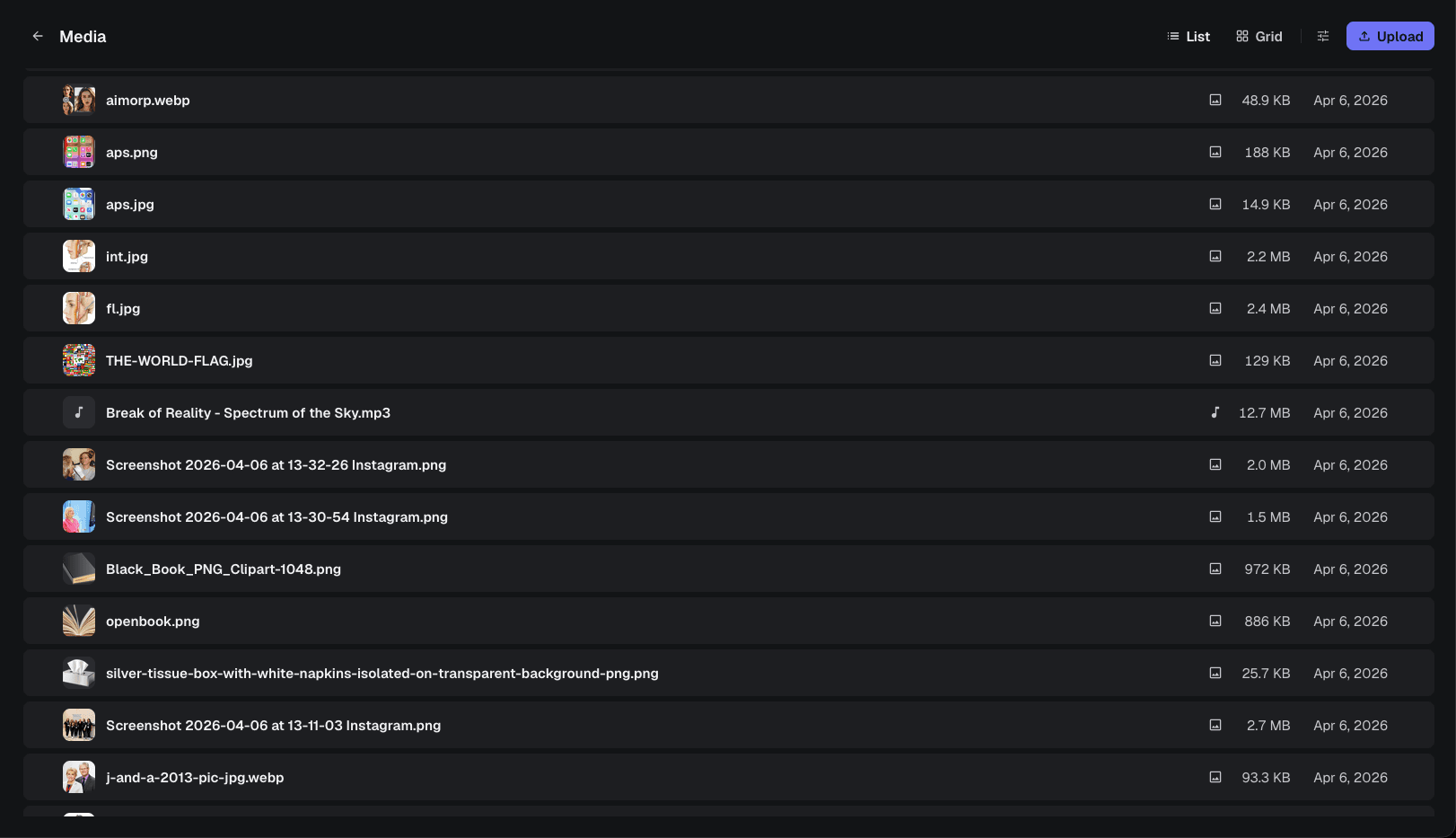
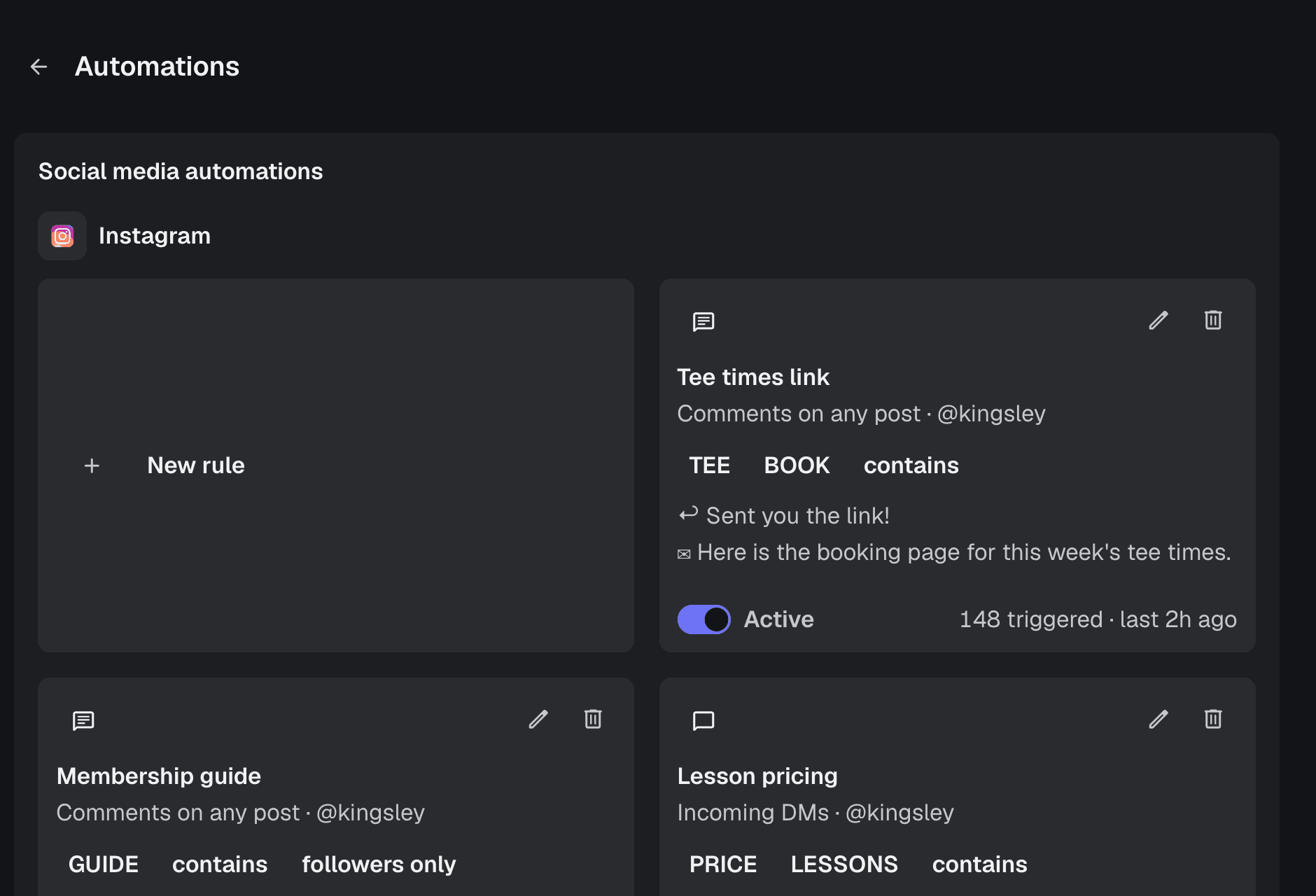
Analytics per account, a media library built for 4K and RAW, team and client chat next to the work, an inspiration board, Instagram DM and comment automation, and notifications that reach the right person.
Discussions
Team and client chat next to the work
Analytics
Views, retention and followers per account
Storage
A media library built for 4K and RAW
Notifications
In-app and email alerts
Client Experience
Review links with zero client logins
Inspiration board
Save references, promote them into work
Instagram automation
DM and comment rules
All features
Everything in one tour
Replace your whole stack with one app
One tool instead of the stack you duct-taped together: Frame.io, Google Drive, Notion, Buffer and whatever else the workflow leaks into.
Video review with timestamped comments
~$45/moSocial posting & scheduling
~$50/moContent pipeline & client management
~$36/moSocial automations: DMs, comments, replies
~$15/moFile storage & video delivery
~$36/moClient feedback & approvals
~$24/moWorkflow automations, duct tape between tools
~$30/moPricing
Start solo or bring the whole team, and scale the plan as the work grows
39% off for the first 50 workspaces. Lock in your launch price.
49/50 spots left
Creator
For solo creators and one-person studios.
$33$20/month−39%
Billed yearly at $238
Lock in this price forever
100 GB storage
Workspace & clients
- 3 clients, 10 projects
- Unlimited content
- Unlimited free client reviewers
- Chat channels with team and clients
- Roles & assignees
- Branded client view
- Extra seats and storage as add-ons
Review & publishing
- Timestamped review, versions and client review links
- 4K review playback
- Publishing to TikTok, Instagram and YouTube
- Instagram automation — 5 active rules
Insight & operations
- Analytics across every connected account
- Inbox and finance
Support
- Discord community server
- Standard support
No credit card. Storage is capped at 100 GB during the trial.
Studio — MOST POPULAR
For small teams running a handful of clients.
$83$51/month−39%
Billed yearly at $604
Lock in this price forever
1 TB storage
Workspace & clients
- Unlimited clients and projects
- Unlimited content
- Unlimited free client reviewers
- Chat channels with team and clients
- Roles & assignees
- Branded client view
- Extra seats and storage as add-ons
Review & publishing
- Timestamped review, versions and client review links
- 4K review playback
- Publishing to TikTok, Instagram and YouTube
- Unlimited Instagram automation rules
Insight & operations
- Analytics across every connected account
- Inbox and finance
Support
- Discord community server
- Standard support
No credit card. Storage is capped at 100 GB during the trial.
Agency
For agencies with a team and many clients.
$208$127/month−39%
Billed yearly at $1519
Lock in this price forever
4 TB storage
Workspace & clients
- Unlimited clients and projects
- Unlimited content
- Unlimited free client reviewers
- Chat channels with team and clients
- Roles & assignees
- Branded client view
- Extra seats and storage as add-ons
Review & publishing
- Timestamped review, versions and client review links
- 4K review playback
- Publishing to TikTok, Instagram and YouTube
- Unlimited Instagram automation rules
Insight & operations
- Analytics across every connected account
- Inbox and finance
Support
- Private Discord channel
- Direct priority support
No credit card. Storage is capped at 100 GB during the trial.
Questions people actually ask
Plans, seats, clients and what happens to your files.
Do my clients need an account?
No — never, on any plan. They open the review link you send, watch the cut and comment on the timeline.
Can my clients see who's editing their videos?
Only if you want them to. Clients see the cut, the versions and their own review thread — assignees, internal comments and team chat stay on your side. On Studio and up the whole client view carries your branding.
How is this different from Frame.io or ClickUp?
Each of those does one slice: Frame.io reviews, ClickUp manages tasks. Neither publishes, tracks analytics or answers Instagram comments. ContentWorkflow is the whole pipeline — plan, review, publish, measure — so nothing needs duct-taping together and clients only ever touch one link.
What's the difference between Creator, Studio and Agency?
Creator is the full solo toolkit — review, publishing, analytics, automation — capped at one seat and three clients. Studio adds the collaboration layer: chat channels, roles and assignees, branded client view, unlimited clients. Agency is Studio with more seats, more storage and priority support.
I run a short-form content agency — is this for me?
That's exactly who it's built for. Multiple clients, multiple editors, daily posting to TikTok, Reels and Shorts, and clients who want to approve without learning a tool — Studio or Agency, depending on team size.
I'm a freelance editor — isn't this overkill?
Creator exists for you: one seat, up to three clients, and it replaces the Frame.io + Drive + scheduler stack you're paying for separately. Your clients get review links, your posts go out on schedule, and you upgrade only when you hire.
I'm a YouTuber managing my own editors — is this relevant?
Yes — you're the client and the owner at once. Give your editors seats, review their cuts with frame-accurate comments, and let publishing and analytics run in the same place instead of across five tabs.
What counts as a seat?
Anyone on your team with a login. Clients reviewing videos don't count, however many of them there are.
Can I add more seats later? How much does an extra seat cost?
Any time, at $15/month each — Studio grows to 5 seats, Agency to 15. Need more than that, get in touch. Creator stays at one seat; that cap is what makes it the solo price.
Can I only review videos, or also images and carousels?
Videos, carousels and static images all get the same treatment — upload, review with comments, approve and publish. Vertical video gets frame-accurate timeline comments.
Is my content safe?
Files live in private cloud storage and are only reachable through expiring signed links. Social account tokens are encrypted at rest, and nothing is ever posted without you scheduling it. Cancel and you keep access until the end of the period you paid for.
Is there a free trial?
14 days on every self-serve plan, no credit card. The trial caps storage at 100 GB; everything else is the real product.
What happens if I go over my storage?
Uploads pause. Nothing is deleted, and everything already there keeps playing — clear some space, or add storage at $39/TB/month, and uploads resume.
Can I change plans?
Any time. Changes are prorated, so you pay the difference for the rest of the period rather than starting over.
Do you charge in USD?
Yes — every price on this page is US dollars.