
Content calendar & publishing
Schedule the approved cut to TikTok, Instagram and YouTube from the same place you made it.
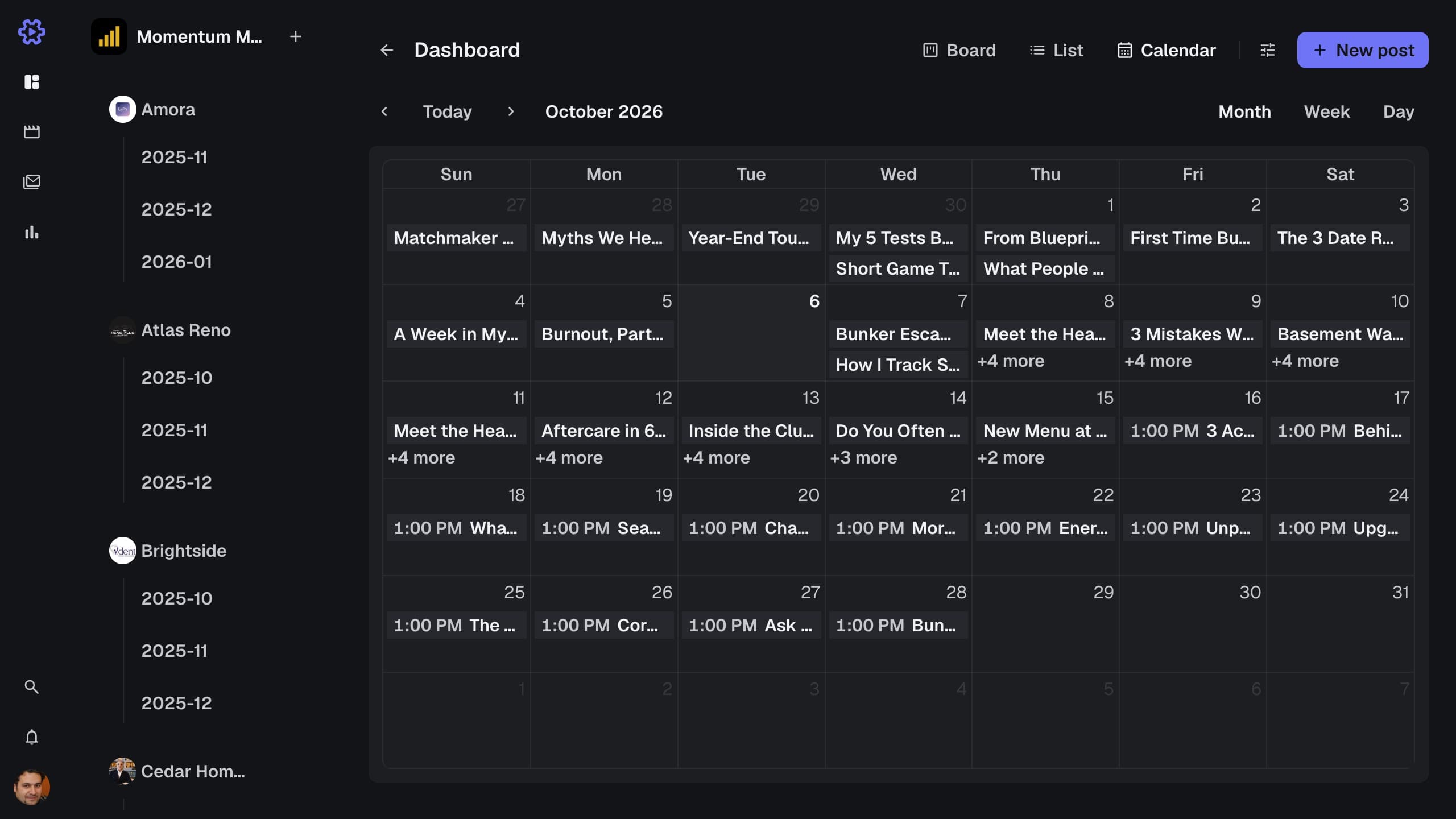
How it works
Open the approved post, write the caption and pick a date and time. One click schedules it for every platform you chose, and it appears on the calendar. At that time it publishes by itself. Read how to build a content calendar that survives multiple clients. See how publishing fits into our agency project management software.
Content calendar
Deadlines and publish dates for every client by month, week or day.
Scheduling
Pick a date and time once. The post goes out by itself.
TikTok, Instagram and YouTube
Reels, posts, Shorts, long-form and TikTok from one approved cut.
Per-platform captions
Each platform keeps its own caption, hashtags and thumbnail.
One account per client
A post goes out on its client's own account, never another brand's.
Retries and publish log
A failed upload retries by itself, and every attempt is logged.