
Free content calendar template for Google Sheets, Excel and Numbers
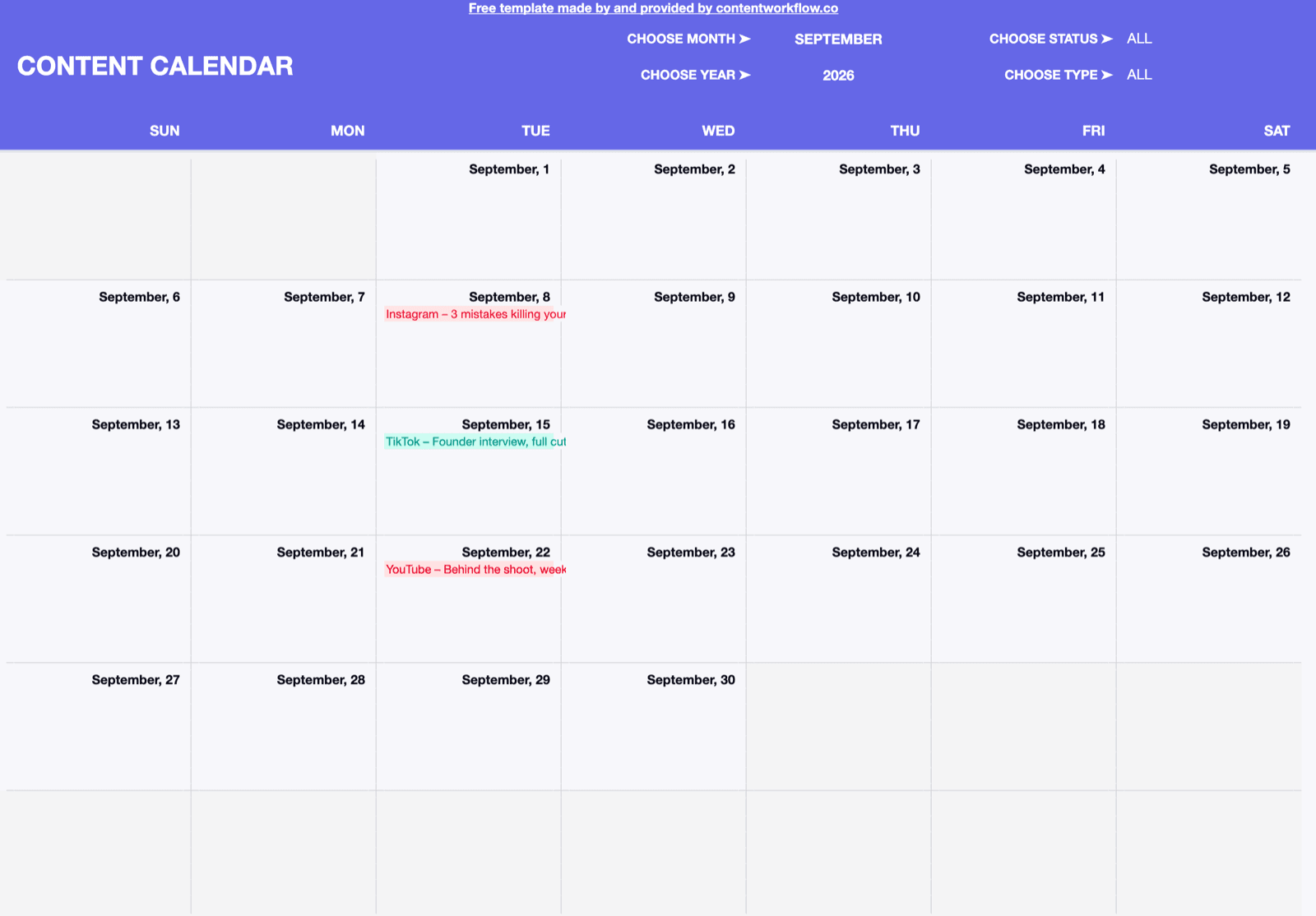
A calendar tab that fills itself from your list of posts, with month, status and platform filters and colour coding by platform. No email, no signup.
How to use it
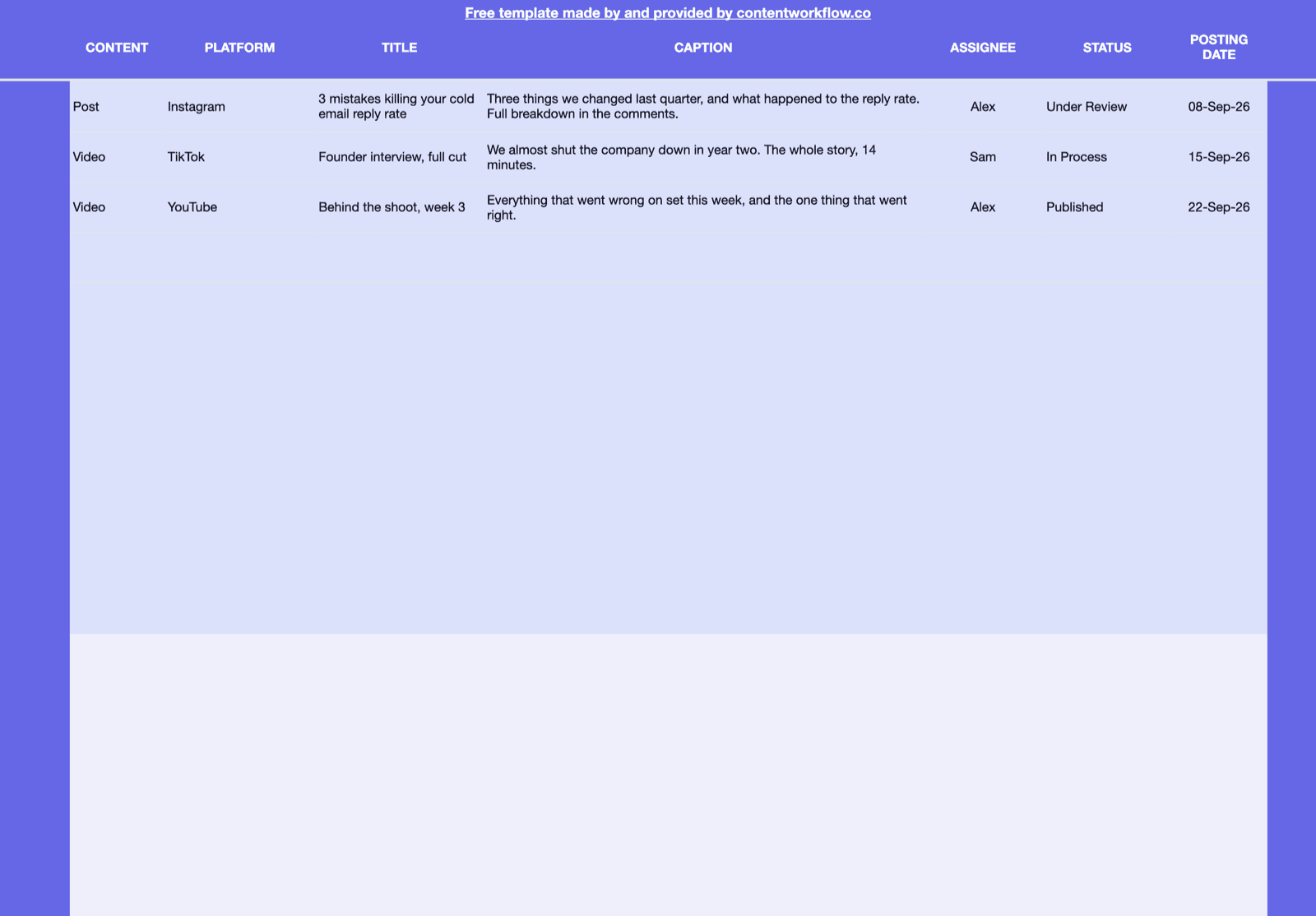
Two tabs: Calendar shows your planned content in a month view, and Add Content is where you add each post.
- 1
Add your posts on the Add Content tab
One row per post. Overwrite the three examples and keep going down.
- 2
Fill in each post's details
Platform and Status are dropdowns. Title is what the calendar shows.
- 3
See it on the Calendar tab
Pick the month and every post lands on its day, coloured by platform.
A spreadsheet works until you plan for several clients
ContentWorkflow keeps the calendar and adds what a sheet cannot: the file on the post, feedback on the cut, and publishing on the date.