
Manage client content using an AI agent
Plan content, track client approvals, schedule posts to Instagram, TikTok and YouTube, and pull analytics right in Claude, ChatGPT or the AI tools you already use.

How it works
 1
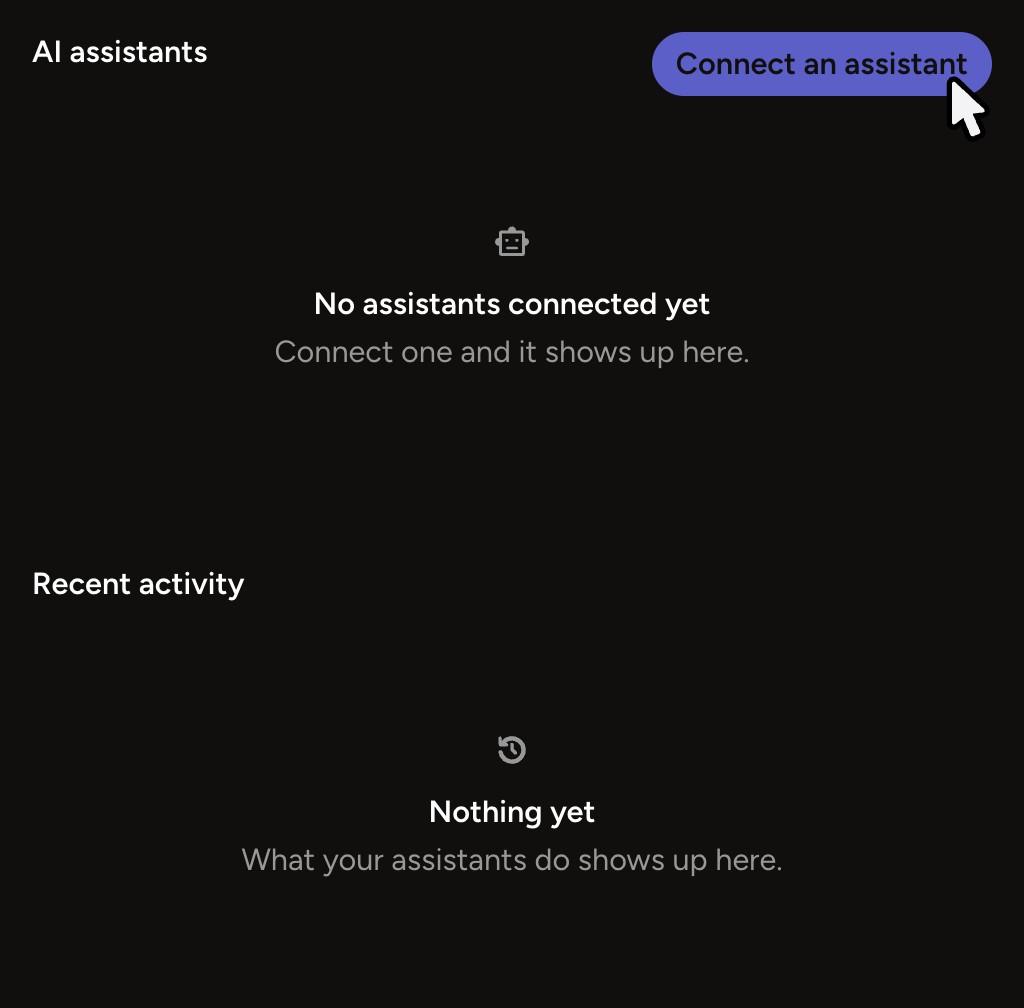
Connect your AI
Open MCP in Settings and connect Claude, ChatGPT or another AI.
 2
Your AI can read your workspace
It sees your clients, content, reviews and analytics.
 3
Ask a question
Your AI can look things up or act for you, like publishing a post.
What your assistant can do
Turn notes into content
Paste a brief or your call notes. Your assistant creates the posts under the right client and project, and assigns them.
Catch up on reviews
Ask what the client said about the latest cut. Get the open comments summarized, then reply or resolve them.
Find the right footage
Ask for last week's unfiled clips. Your assistant finds them in the media library and attaches them to the right posts.
Schedule a week in one message
"Schedule every approved post for next week at 9 am." Your assistant sets each one up for Instagram, TikTok and YouTube.
Know what performed
Ask which videos got the most views last month and what their hooks were. Find out what to make more of.
Clear the inbox
See every client's unread Instagram messages in one answer, and send the replies without opening the app.
What is the ContentWorkflow MCP server?
It connects your AI assistant to your ContentWorkflow workspace through MCP, the open standard assistants use to work with other apps. It works with Claude, ChatGPT, Claude Code, Codex, Cursor and any other MCP client, and covers the work you already do in the app: Client & project management, Media storage & review, Client review & approvals, Content calendar & publishing, Analytics & automations.
MCP server questions
Setup, safety, approvals, supported assistants and price.
MCP, the Model Context Protocol, is the open standard AI assistants use to connect to other apps. The ContentWorkflow MCP server lets an assistant such as Claude read and update your workspace when you ask it to.
Claude, ChatGPT, Claude Code, Codex, Cursor, VS Code, Windsurf, Cline and any other client that supports MCP over Streamable HTTP with a Bearer header.
More than 120 actions across clients, projects, content, review comments, the media library, publishing, analytics, the inbox, automations and time tracking. A read-only key can only look things up.
A key never has more access than the person who created it, can be limited to read only, can expire, and can be revoked at any time. No key can touch billing or permanently delete content, and every call is logged in your settings.
Not with a read-only key, which can only look things up. A read-and-write key can schedule and publish, but only when you ask the assistant to, and every action it takes is logged in your settings.
No. It is included in every ContentWorkflow plan.
No. You create a key, copy one line into your assistant and start asking questions.
Automate your content workflow
Start a free trial, create a key and ask your first question today.