
A client video review process that doesn't lose feedback
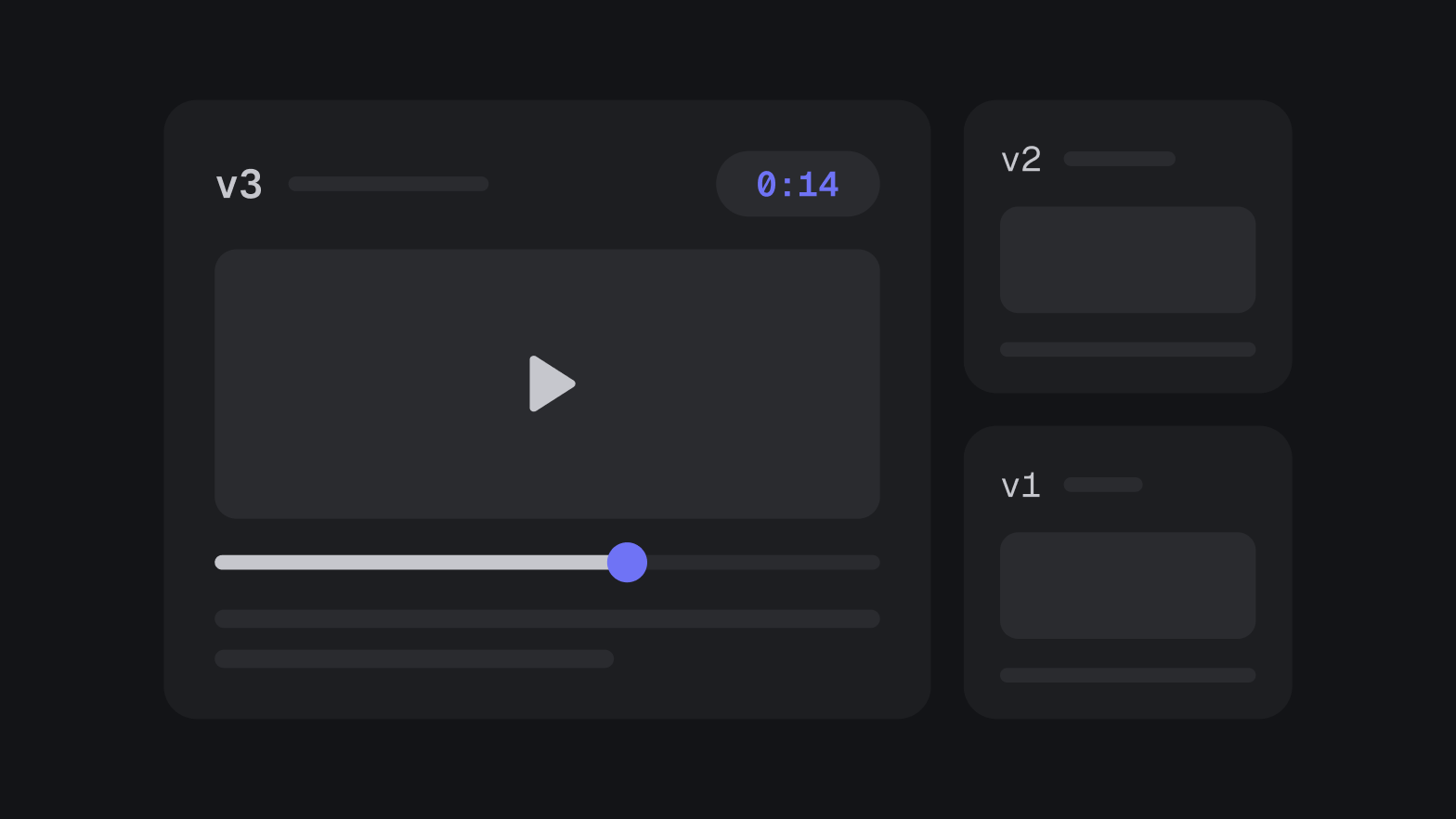
Feedback gets lost when it arrives off the record, is too vague to act on, or points at a cut that no longer exists. Number every version the client sees, require a timestamp on every note, give each review round one job, collect notes in one batch with a deadline, and record approval against a specific version. Then answer every note with a fix or a reason before the round closes.
Feedback rarely goes missing because someone forgot it. It goes missing because it arrived somewhere that wasn't the record, pointed at a cut that no longer exists, or was too vague to act on and got quietly skipped.
The three ways feedback actually disappears
Before fixing the process, it helps to name the failure modes, because each one has a different fix.
- It arrived off the record. A voice note, a hallway comment on a call, a reply buried in an email thread about the invoice. It was real feedback and it never reached the place you look when you sit down to edit.
- It was too vague to act on. A note asking you to make it punchier, or saying something feels off at the start, is a genuine reaction, but it isn't an instruction. Vague notes get postponed until they're forgotten, then resurface a round later as something the client already raised.
- It was stale by the time you read it. The client commented on v2 while you were already exporting v3. Now half their timestamps point at the wrong frames and you have to translate every one of them.
Versioning fixes the third. Structure fixes the second. A single channel of record fixes the first, and it's the one most processes skip.
Version everything, and make the number mean something
Everyone knows the final_v3_REAL_final2.mp4 problem. The cause isn't carelessness. The word final is a prediction, and predictions get falsified. The fix is to remove every word from the filename that isn't a fact.
A convention that holds up.
client_project_v01.mp4, zero-padded so files sort correctly, and no other adjectives at all.- A version number is assigned when the client sees it. Your own iterations between rounds don't get numbers. Otherwise you and the client are counting different things, and v4 means two different cuts.
- Numbers only go up. Never reuse one, never overwrite an existing export, and don't delete old versions until the project is invoiced and closed.
- One link per version, not one file per person. If two people have downloaded different copies, you have two sources of truth and one of them is about to be reviewed.
Keeping old versions matters more than it sounds. When a client asks to go back to how the intro was before, the ability to open v2 turns a re-edit into a thirty-second answer. When someone disputes whether a change was requested, the version history is the answer.
Timestamped notes, or it isn't feedback
The single highest-leverage rule in client video review is that every note carries a timestamp. Not because clients are careless, but because finding the moment they meant on a timeline routinely costs more than making the change does.
A note that can be acted on without a reply has three parts.
- Where. A timestamp, or a range for anything about pacing.
- What. The layer it concerns, whether picture, audio, on-screen text, pacing, or the copy itself. This one line prevents most misreadings, because a wrong logo and a logo in the wrong place are different jobs.
- Why, or what instead. The outcome they want, even a rough one. Cut this, it repeats the hook is actionable. Cut this on its own invites a second round.
If your client won't adopt a format, do the translation yourself. Rewrite their message into timestamped lines and send it back to confirm you've read them right. It takes two minutes, it catches misunderstandings before you spend an hour on them, and it puts their feedback into the record in a form you can tick off.
A review link that lets them click a point on the video and type beats any amount of instruction. Most people give better feedback when the tool collects the timestamp for them, because the effort of writing 01:14 by hand is exactly the effort that makes them write something vaguer instead.
Give each round a job
Unstructured rounds are why projects go to v7. If round one collects colour notes and round three reopens the story, you are paying for the same work twice. Say what each round is for, in writing, before the first cut goes out.
Round one, structure and story
Send a rough cut and ask explicitly for notes on structure, order, length and whether the message lands. Ask them not to comment on colour, music, captions or graphics yet, and say why. Those are the things you'll redo anyway if the structure changes. Sending a polished cut in round one is a trap. It makes structural feedback feel expensive, so clients suppress it and raise it in round three instead.
Round two, polish
Now the structure is locked. This round is grading, sound, captions, graphics, timing details. Structural notes at this point are a scope change, and it's reasonable to name them as one, politely but out loud.
Round three, sign-off
Factual checks only. Name spellings, prices, dates, legal lines, handles. The output of this round is an approval, not a list.
Put the number of included rounds in the agreement before the project starts. Two or three is normal for shortform. What matters isn't the number, it's that both sides know it, so a fourth round is a conversation rather than a resentment.
Batch feedback, don't drip it
A note now, two more in an hour, one tomorrow. Drip feedback is the most expensive shape client input can take. You fix note one, re-export, and note three contradicts it. Everyone is busy and nobody feels like they did anything wrong.
Three requests solve most of it.
- One consolidated message per round. If several people on the client side are watching, one of them collects and reconciles before it reaches you. Contradictory notes from two stakeholders are their decision to make, not yours to guess at.
- A stated deadline per round. Notes by Thursday with a Monday publish is a schedule. An open invitation to share thoughts is not, and it's the reason deadlines slip without anyone deciding to slip them.
- Silence has a defined meaning. Agree up front whether no response by the deadline means approved or means the publish date moves. Either rule works. Having no rule doesn't.
Approval is an event, not a feeling
The most common gap in an otherwise decent process is that nothing records the moment a cut became final. Work drifts into probably approved, and then someone posts a version that wasn't.
Approval should be all three of these.
- Attached to a specific version. An approval with no version on it is meaningless once v04 exists. An approval that names v03 is a fact.
- Explicit. A thumbs-up on the wrong message is not an approval. Ask for a sentence, or use a control that only means one thing.
- Recorded where the work lives. Not only in the inbox where it arrived. If the approval sits in a chat app and the project sits somewhere else, the project doesn't know it's finished.
Close the loop on every single note
When you send the next cut, respond to each note as resolved, or as deliberately not done with a one-line reason. Telling the client you kept the wide shot because the close-up cuts off the product name is a perfectly good answer, and clients accept it far more often than people expect.
What clients don't accept is silence. An unanswered note is the thing that gets repeated in round three with an edge in it, and it's the cheapest trust to protect. A note either has a fix or an explanation attached to it before the round closes. There is no third option.
The process in nine lines
- Agree the number of rounds and what each one is for, in writing, before you start.
- Name versions
client_project_v01. No adjectives, numbers only go up. - A version number is assigned only when the client sees the cut.
- Send one link per version, never a downloaded copy per person.
- Require timestamps. If they don't give them, write them and confirm.
- Round one is structure. Round two is polish. Round three is facts.
- One consolidated set of notes per round, with a deadline and a rule for silence.
- Approval names a version, is explicit, and is recorded on the project.
- Every note gets a fix or a reason before the round closes.
Where this should live
None of this needs software. It needs a place where cuts, notes and approvals sit together instead of in three different apps. That is genuinely the whole trick, and it's why a folder plus a chat thread plus a spreadsheet keeps failing. Three places means three chances for the record to disagree with itself.
The review side of ContentWorkflow is built on this shape. Numbered cuts attached to one piece of content, comments pinned to a timestamp on a specific version, and a resolved state on each note so nothing closes half-answered. The content itself moves into an Approved stage, and the newest cut is the file that gets published, so the version you approved and the version that goes out can't drift apart.
Planning the rounds is the other half of the job. See building a content calendar that survives multiple clients for where review deadlines fit against publish dates, or start from the content calendar template.
Cuts, notes and stages in one record
Every cut is a numbered version. Notes land on a timestamp on that exact version and stay open until you resolve them.
See media reviewKeep reading
Video collaboration: the jobs a setup has to do when nobody is in the room
Video collaboration is six jobs between editor, producer and client. See what each needs, where common setups break, and when a shared drive is enough.
10 min read
How to design an approval workflow that does not stall work
Design an approval workflow for any piece of work, a post, a cut or an invoice: choose the order, name one decider, lock the version, copy the template.
8 min read