
Workflow management for content teams, without enterprise software
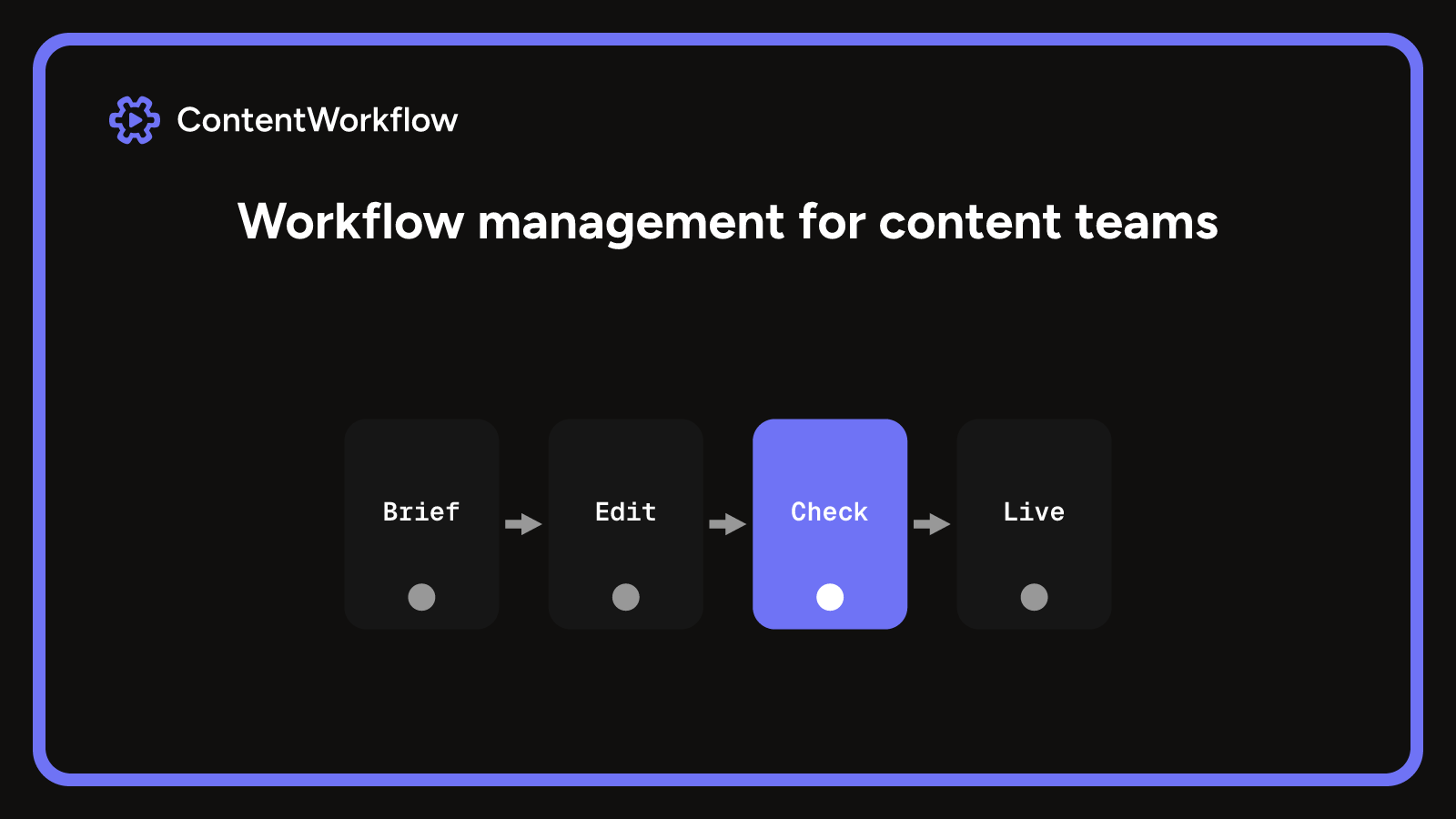
Workflow management means defining the stages a piece of work passes through, name one owner for each, agree the rule for every handoff and keep one record of where each item sits. For a small content or video team that starts as a written sequence and a shared document. Software earns its cost once several clients, approvals and versions run at once and handoffs keep getting missed.
What is workflow management
Workflow management is the practice of defining the stages a piece of content passes through, who owns each one, and how work moves from one stage to the next, then keeping a record of where every item sits. It answers two questions at any moment: what is in progress, and whose turn is it.
It is not a piece of software. A written sequence in a shared document counts, and so does a board with a column per stage. A workflow system is software that holds those stages and rules for you, so the next owner is told when work arrives and certain mistakes, such as publishing an unapproved cut, are refused instead of caught afterwards.
It differs from project management, which plans one bounded job, and from business process management (BPM), which designs and improves the standing processes of a whole organisation. For a content or video agency, workflow management is the day-to-day layer in between: the route each video or post takes.
What a managed workflow covers
A workflow is the path a piece of content takes from idea to published. The Kanban Guide asks a team to define the work items and the states they flow through from started to finished, and four things keep that clear.
- Stages. The steps the work passes through, such as brief, script, edit, client review and publish.
- Owners. One named person per stage, so nobody has to ask whose turn it is.
- Handoffs. The moment work passes to the next owner, and what that person needs in order to start.
- Rules. The conditions that must be true before a stage can close, such as a script being approved before editing begins.
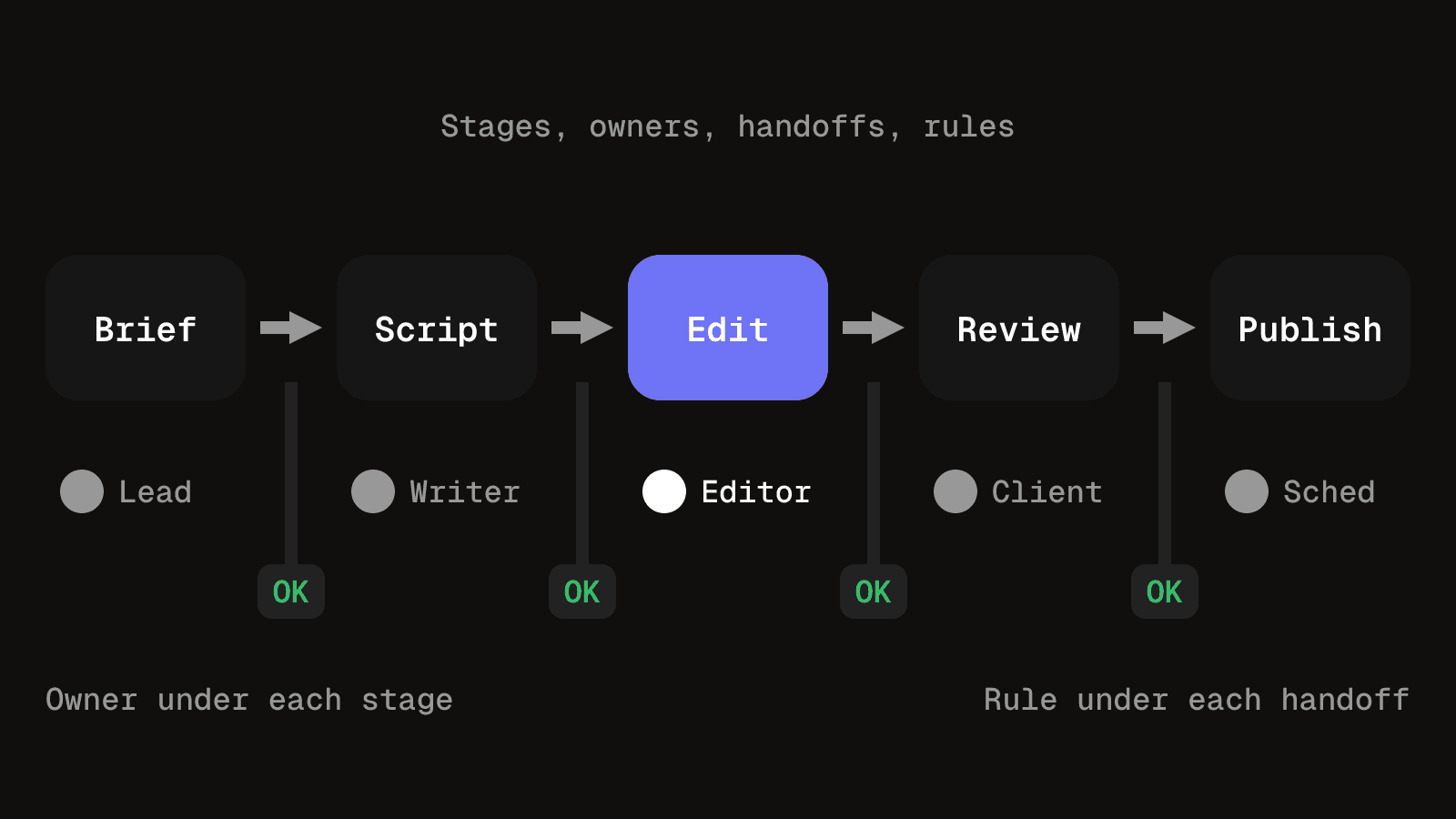
To check a workflow, compare those four against what happened this week. A stage that exists on paper but is never updated is not managed, and neither is a video that looks like it is in the edit when it is really waiting on a client.
A workflow, a process, a project and BPM are different things
The words get used interchangeably, which makes problems harder to fix because you cannot tell which layer is broken.
| Term | What it means for a content team |
|---|---|
| Project | One bounded piece of work with a goal and an end date, such as a three-video launch for one client in November. |
| Process | The standing way your team does a type of task every time, such as how briefs are written or how footage is named. |
| Workflow | The route one item takes through the stages of a process, from brief to published. |
| BPM | Designing and improving the processes of a whole organisation. Agencies rarely need it beyond writing their own processes down. |
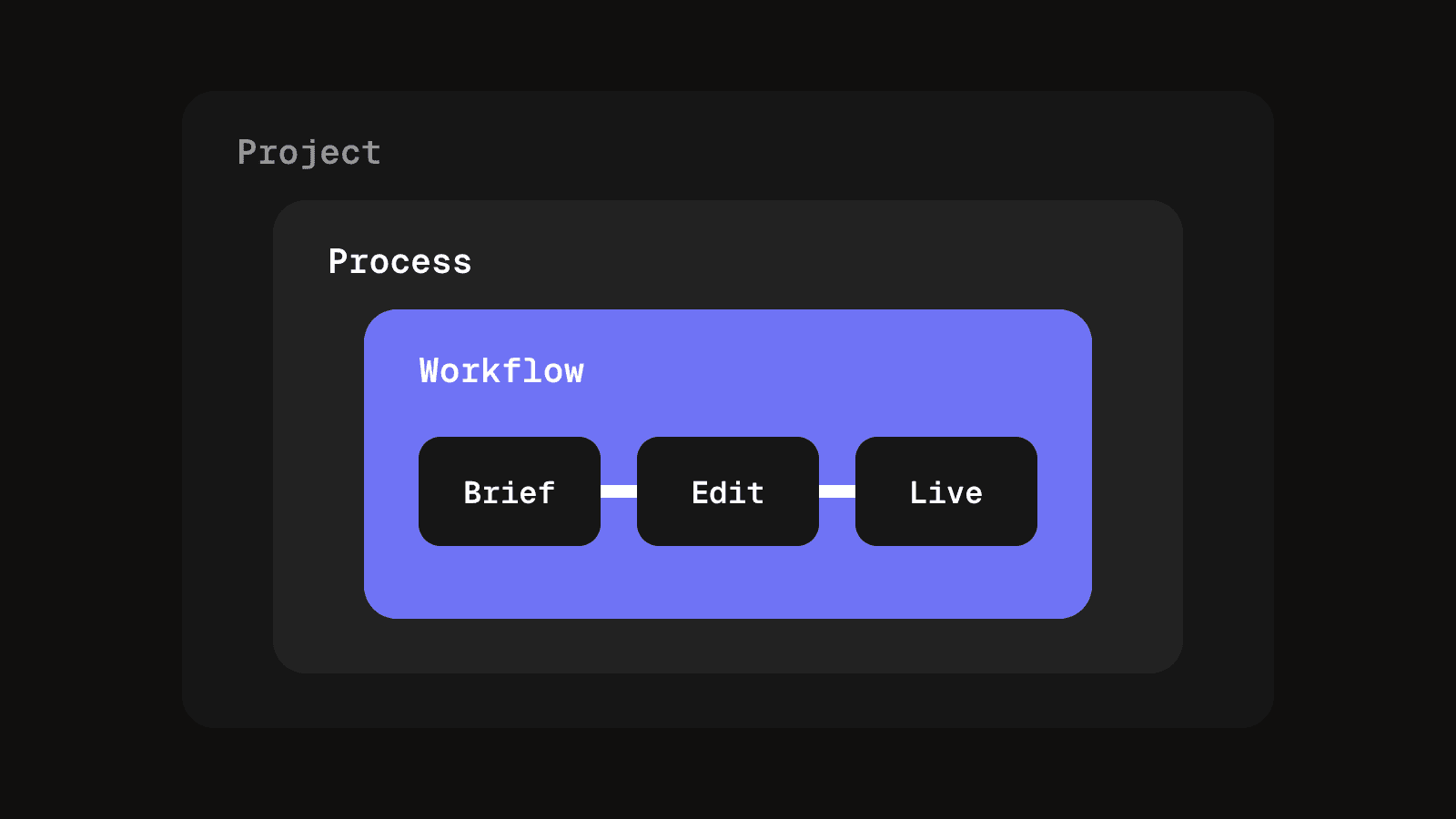
When something goes wrong, ask which layer failed. A bad process means the rules are wrong. A bad workflow means one item got stuck at one handoff. A bad project means the scope or deadline was never agreed.
Sequential and parallel workflows
A sequential workflow moves one step at a time, and each stage waits for the one before. A parallel workflow lets several stages run together and joins them before the next gate.
| Type | What it means for a content team |
|---|---|
| Sequential | Script, then edit, then client review. Each stage needs the previous output, so a late script delays everything after it. |
| Parallel | Thumbnail and caption are made while the edit is in review, then both are checked before scheduling. The edit is not held up by them. |
Agency client work is mostly sequential up to client approval, then parallel for the finishing pieces around the approved cut.
A video workflow, stage by stage
The table shows the same structure applied to a video, with one owner and one closing rule per stage.
| Stage | Owner and the rule that closes it |
|---|---|
| Brief | Strategist. The brief names the client goal, the platform and the publish date. |
| Script | Writer. The client approves the script before any edit starts. |
| Edit | Editor. The output is a numbered cut, never a file called final. |
| Client review | Client reviewer. Timestamped notes are left on one version, by a stated deadline. |
| Revise | Editor. Each note is fixed or answered with a reason. |
| Approved | Producer. The approval names the version number. |
| Scheduled | Scheduler. Only the approved version can be queued. |
| Published | Producer. The live link and publish time are recorded against the item. |
Examples beyond video
The same structure fits other content work. Only the stages and the closing rules change.
| Work | Stages and the rule that matters |
|---|---|
| Social post approval | Draft, review, approve, schedule. The approval attaches to the exact caption, so if the wording changes afterwards the post goes back a stage. |
| Newsletter | Outline, draft, edit, proof, send. Nothing is scheduled until one named person has proofed the final text and links. |
| Blog article | Brief, draft, edit, client sign-off, publish. The brief names the reader and the one action wanted. |
| Client onboarding | Access, brand assets, first brief, kickoff. The first brief does not start until logins and assets are in one place. |
| Monthly client report | Pull data, write, check, send. The date window and the owner are written down so a colleague can reproduce it when the usual person is away. |
What a managed workflow gets you
- Fewer dropped handoffs. When each stage has an owner, work does not sit waiting for someone to notice it.
- Clear answers for clients. You can say where an item is and what it is waiting on without searching chat.
- Faster handover. A new editor or producer can run a stage from the written steps.
- Cleaner approvals. The approval is recorded against a specific version or caption, so there is nothing to argue about later.
How to build it without buying software
Let the first version be a draft that you expect to change.
- Pick one type of work. Start with what you produce most, usually short-form video. Mapping every service at once stalls before anything is in use.
- Write the stages in order. Keep it to seven or fewer, each one something a person can point at on a given day.
- Name one owner per stage. A team can contribute, but one person is accountable.
- Define done in one sentence. For an edit, done might mean the numbered cut is uploaded and the client has its link.
- Choose one place for the record. A shared sheet, a folder with a status file or a simple board all work. One place, not three.
- Run it on three real items, then fix the rules that broke. Gaps show up at the first handoff nobody planned for, so write the fix into the stage it belongs to.
If dates are the hard part, a content calendar template can hold publish and review deadlines next to each stage.
When a document is enough and when a system pays off
A shared document, checklist or spreadsheet is the right tool while one or two people run the work, the weekly queue can be reviewed in one sitting, the rules fit on one page and clients only see finished drafts. Adding software then brings setup time and a monthly cost for little gain. When a spreadsheet stops working for video covers where it still wins and where it strains.
A system is software that holds the stages, owners and rules, and can refuse certain states: an item cannot be marked published without a link, and an approval cannot attach to a version the client never saw. It also tells the next owner when work arrives and keeps a history of who did what. It does not fix an unclear process, and it will enforce wrong stages faster, so fix the process first.
These signals say the rules are depending on memory, and that a system is worth its cost:
- The same handoff gets missed more than once in a month.
- Nobody can say which version a client approved without searching chat.
- Several clients share one team, so the same people own stages across several queues.
- Notes arrive in more than one place and need to sit against one specific cut. Media review keeps numbered versions and timestamped notes on the same item, which a document struggles to hold.
- Approvals happen in a thread but the project record shows none. The client review process depends on approval being recorded against a version.
The same checks tell you whether the workflow is healthy, with or without software:
- Stuck work shows up early. A handoff that has sat longer than a normal stage is noticed in the weekly check, not on publishing day.
- Rules change because of real failures. Each change traces back to a specific item that got stuck.
- A new person can run a stage from the written steps alone. If they have to ask, the rules are still in people's heads.
Questions people ask about workflow management
Project management plans one bounded job: scope, budget, deadline. The workflow governs the repeatable route that each item takes, so it applies to every video or post, not only to one launch. Most agencies need both, and the workflow is what keeps each project's items moving.
BPM looks at the standing processes of a whole organisation and how to improve them. It is narrower: the stages, owners and handoffs for one type of work. A small content team can skip formal BPM and simply write its processes down.
Not at first. A shared document or sheet is enough while one or two people run the work and the rules fit on one page. Software pays off once several clients, approvals and versions run at once and handoffs keep getting missed, as the signals above describe.
It should hold stages and owners, notify the next owner, refuse invalid states such as publishing without a link, and keep a history. For video, it should also keep notes and approvals against numbered versions.
Pick the type of work you produce most, write its stages in order, name one owner for each and run three real items through it. Fix the rules that break before adding anything else.
Stages, owners and approvals in one place
Clients, projects and content tracked through each stage, with approvals recorded against the exact version that was approved.
See client and project managementKeep reading
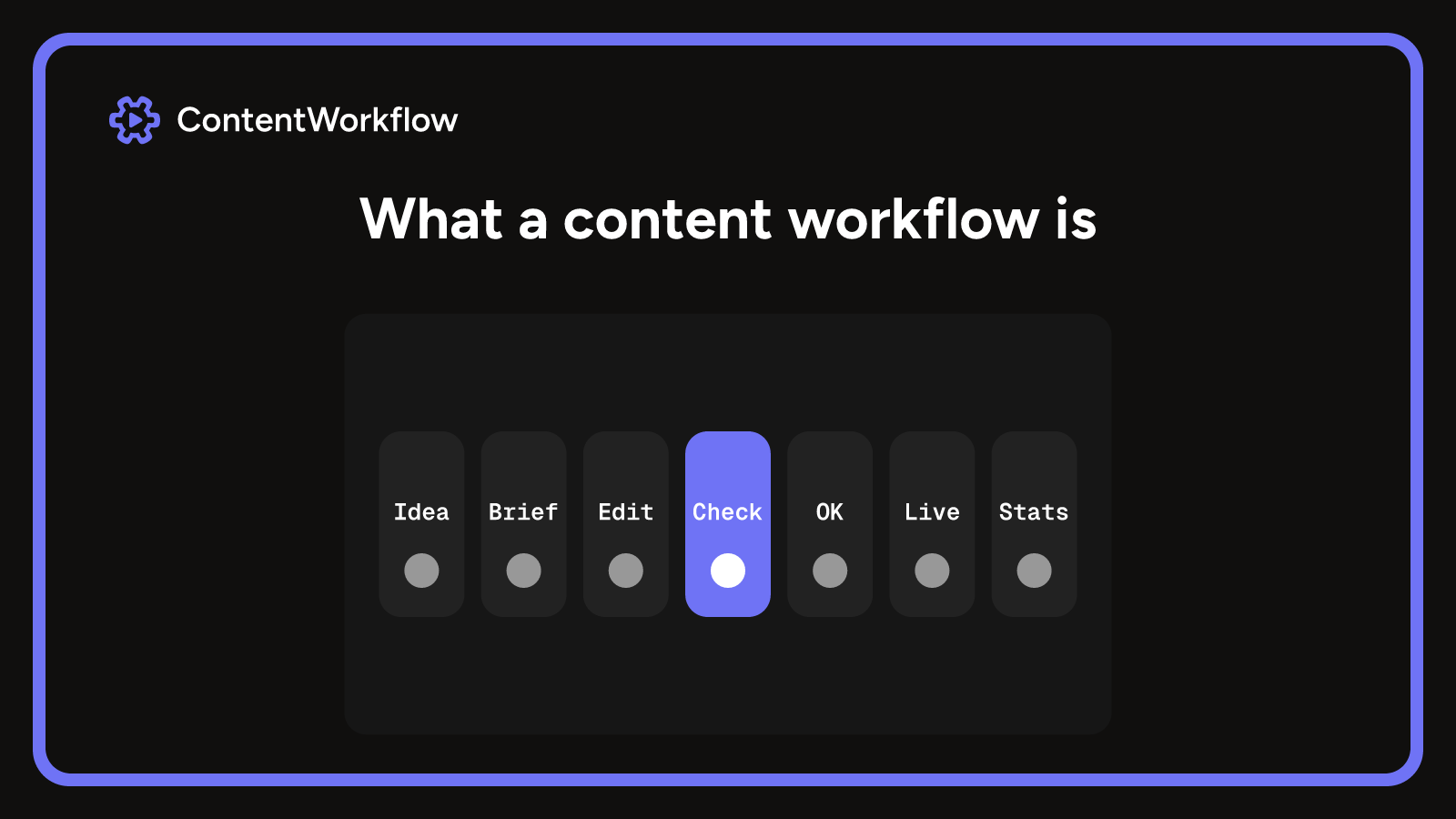
Content workflow: what it is and how to design one for several clients
What a content workflow is, its stages and parts, task-based vs status-based, and how an agency with several clients designs one on paper first.
9 min read
Creative workflow management that keeps briefs clear and deadlines intact
Creative workflow management for small agencies: signed briefs, bounded revision rounds, separate compliance checks and the right file shipping.
10 min read